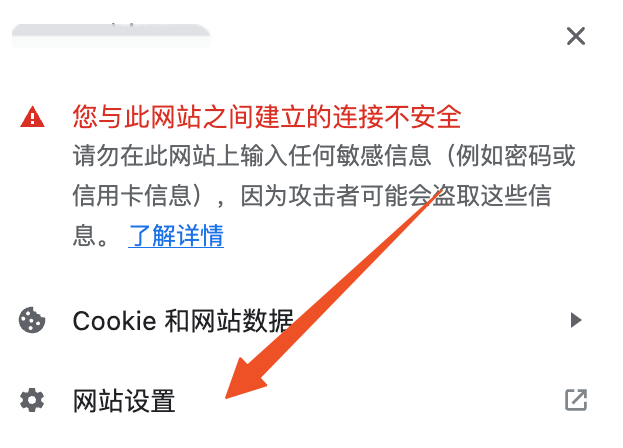
如果你的站点同时支持http及https协议,使用chrome访问时可能会遇到使用http协议访问时自动重定向到https的问题。
1、禁用“一律使用安全连接”选项chrome://settings/security 中 禁用“一律使用安全连接”选项
开启了这个配置,会导致浏览器始终重定向到https
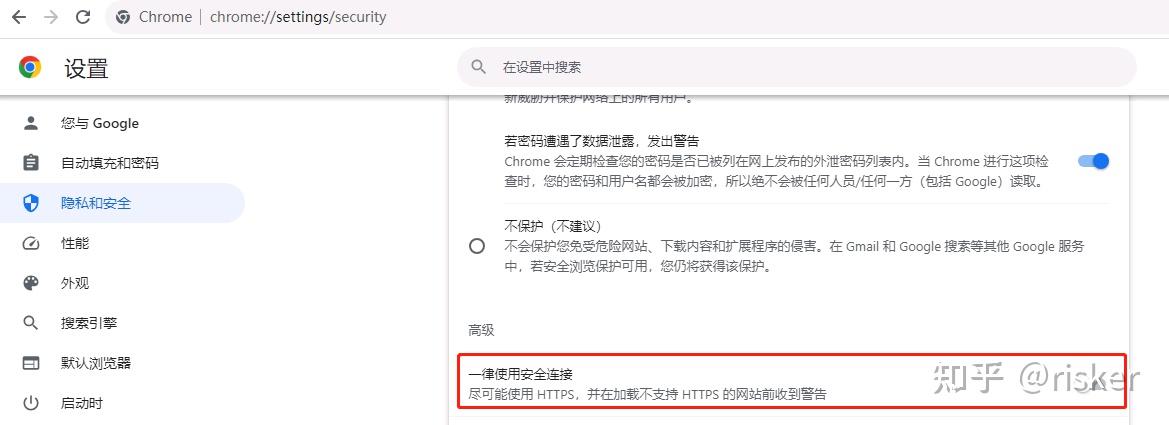 2、添加请求响应头Strict-Transport-Security: max-age=0
web服务响应头中添加Strict-Transport-Security: max-age=0。

当然你可以通过 chrome://net-internals/#hsts 临时删除该域名的重定向配置,但是这种方式,后面只要成功访问过对应的https又会添加。
也可以修改web服务对 Upgrade-Insecure-Requests:1 请求头的处理逻辑,不进行重定向。
比如nginx中禁用 upgrade-insecure-requests 指令:
http { add_header Content-Security-Policy “default-src ‘self’; upgrade-insecure-requests off”; # …}
3、使用带协议的链接(http://)


 发表于 2025-2-7 14:13:49